
Share private notes with selected people
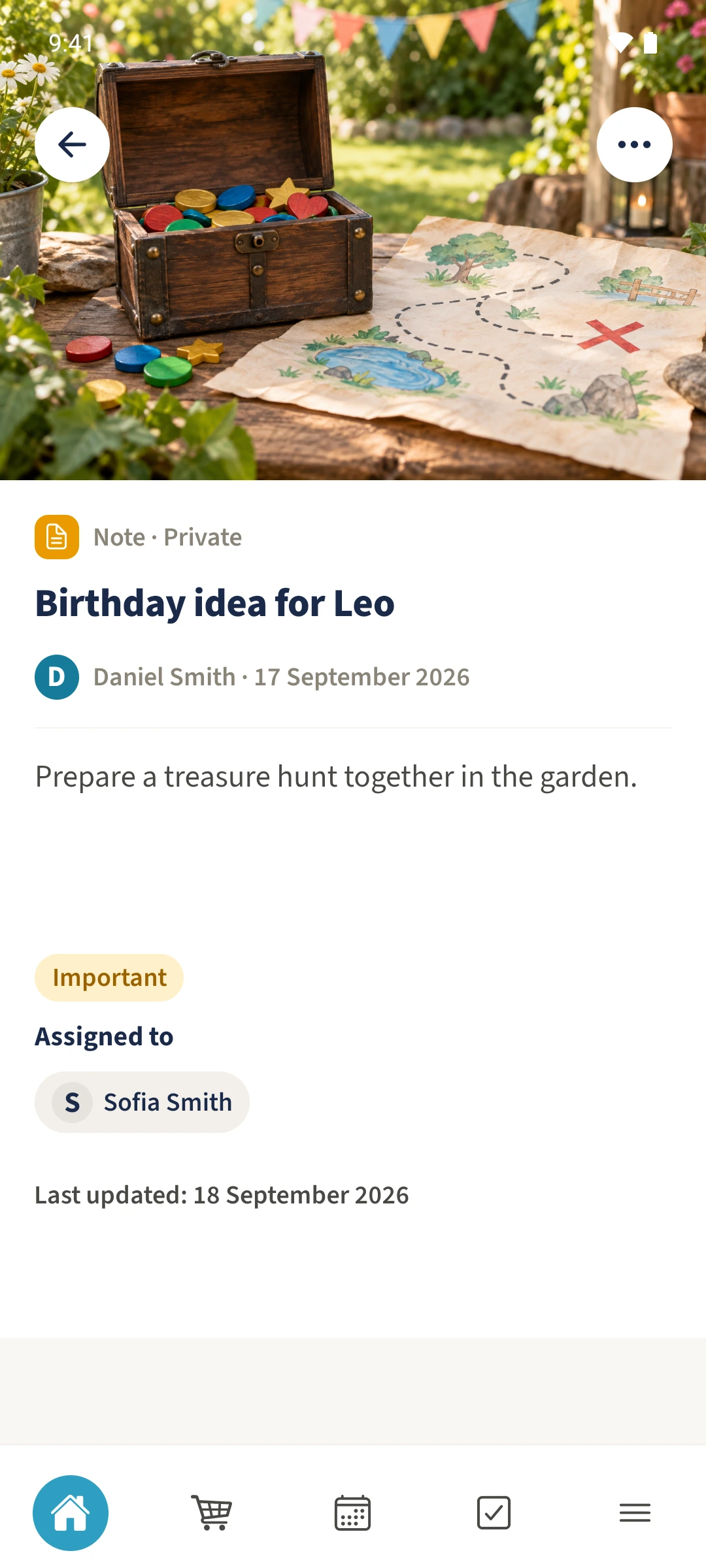
The note and its picture should be available only to the owner and the selected person.
See the exampleFrom a daily problem to a clear plan
The starting point
The note and its picture should be available only to the owner and the selected person.
A practical next step
Daniel wants to prepare Leo’s birthday idea with Sofia.
Notes with Best4Family
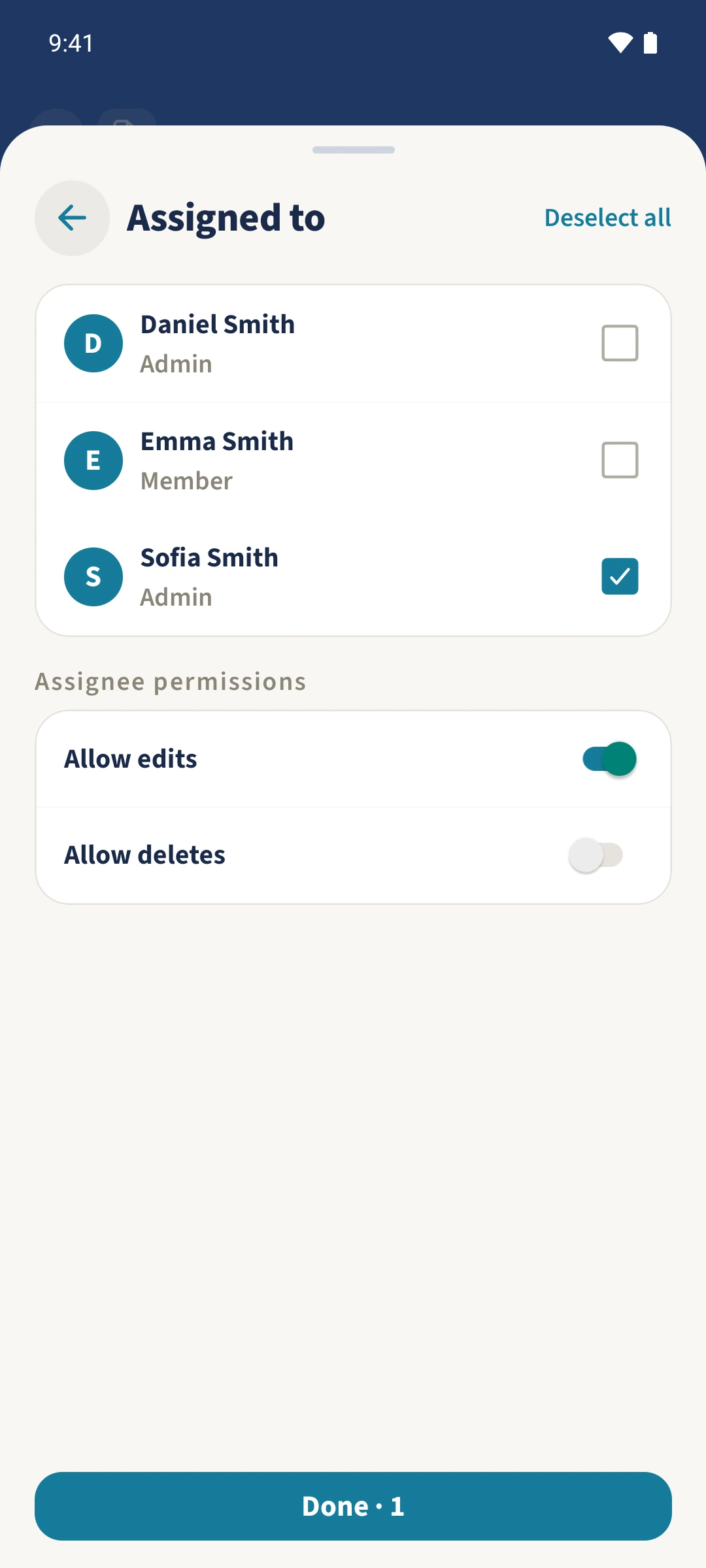
Open the note, then choose Actions and Edit. Set Visibility to Private and select the people under Assigned to. Confirm the selection with Done and save the changes.
Get organised in a few steps
- 1
Open the private note
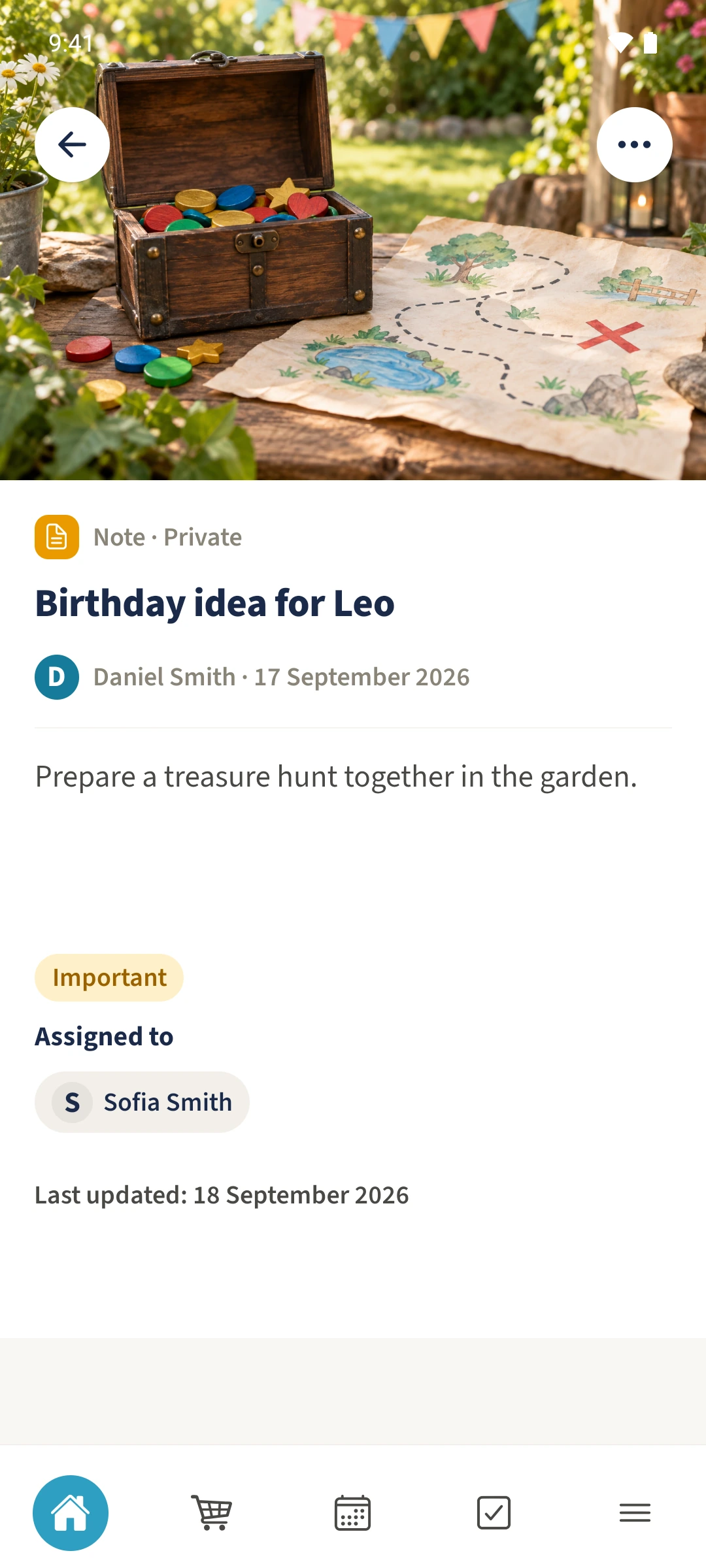
Open Birthday idea for Leo. Its detail view shows the private label, text and photo. Choose Actions, then Edit.
- 2
Choose the person and permissions
Check that Visibility is Private. Open Assigned to and select Sofia. In this example, Allow edits is on and Allow deletes is off. Confirm with Done and the selection count of one.
- 3
Save the changes
Tap Save Changes and reopen the note. Sofia can read its text and photo in her own account; people outside the audience do not receive access.
The essentials at a glance
Part 01
A private note is readable by its owner and assigned people.
Part 02
The note’s image uses the same audience.
Part 03
Another administrator does not receive blanket access to private notes.