Collect and find shared family notes
What does Emma need for the school trip? A shared note keeps the answer within reach after the conversation has moved on.
Your family plans in one place
Family information is scattered across messages, so the useful detail is hard to find when it is time to prepare.
 How Best4Family helps
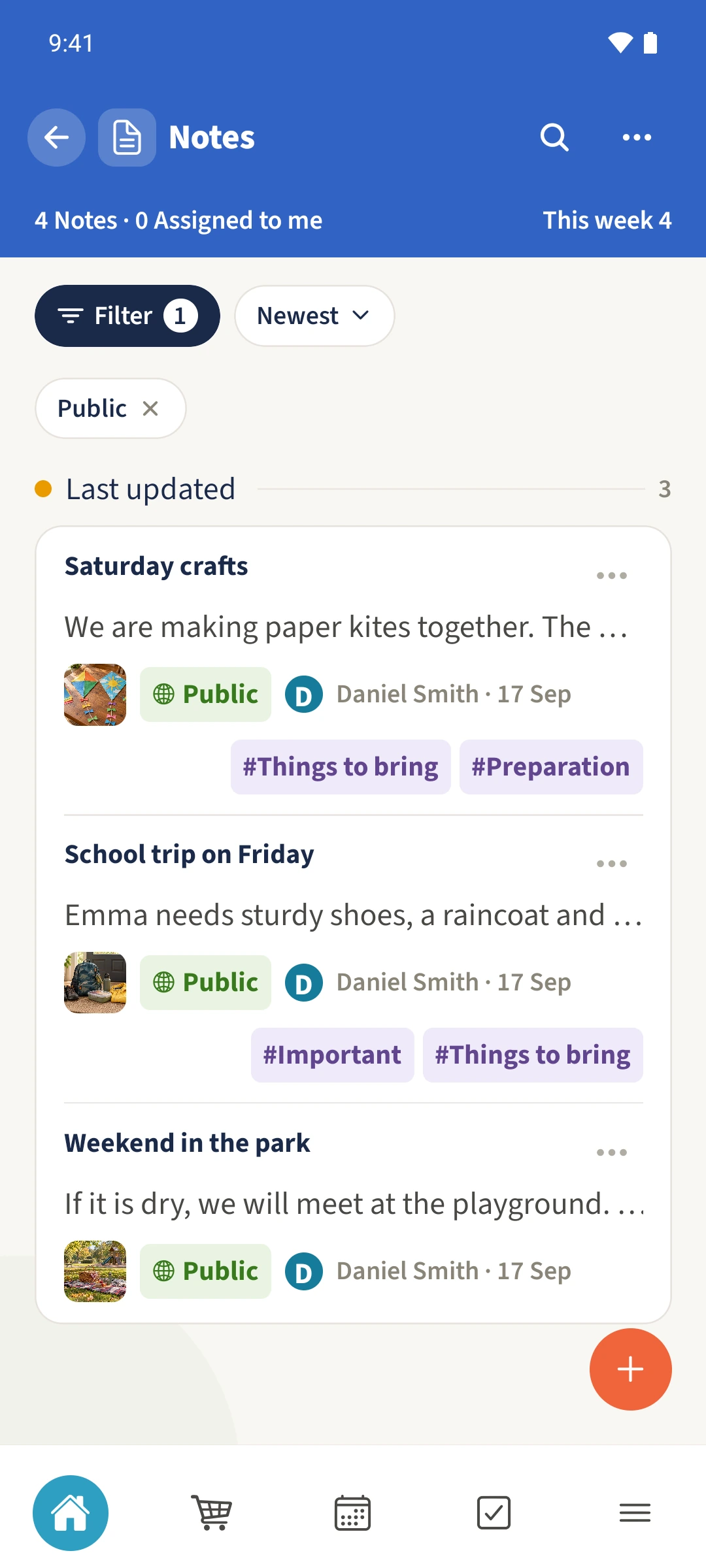
Open Notes from the module overview. Use the plus to create a title and content. For a shared family note, choose Public under Visibility and save. Use the search icon later to find words from its title, content, tags or group.
Get organised in a few steps
- 01
Open Notes
Choose Notes from the module overview. Cards show the title, a text preview, tags and the last update. Tap a card to read its content.
- 02
Create a shared note
Tap the plus, enter a clear title and write the content. Open Visibility and choose Public for a shared family note. Add tags and a group if useful.
- 03
Save and open it again
Save at the bottom of the form and reopen the note to check its content. Edit is available to its creator and assigned people with the relevant permission; shared visibility alone does not give editing rights.
- 04
Find it with a word
Tap the search icon and enter a word from the note. In this example, water bottle finds School trip on Friday through its content. Remove extra filters if needed, or use Actions to open Archived.