
Save a wish with a price, product link and picture
Colour, materials and a price range make a wish clearer. A picture and a precise note help the family choose.
- 1
- A wish can store an estimated price with a currency and product link.
- 2
- The Android image picker lets you choose and save a picture.
- 3
- The picture, description and note stay together in the detail view.
Using Wishlist in family life
A product name alone may not explain the version you want or the price range you have in mind.
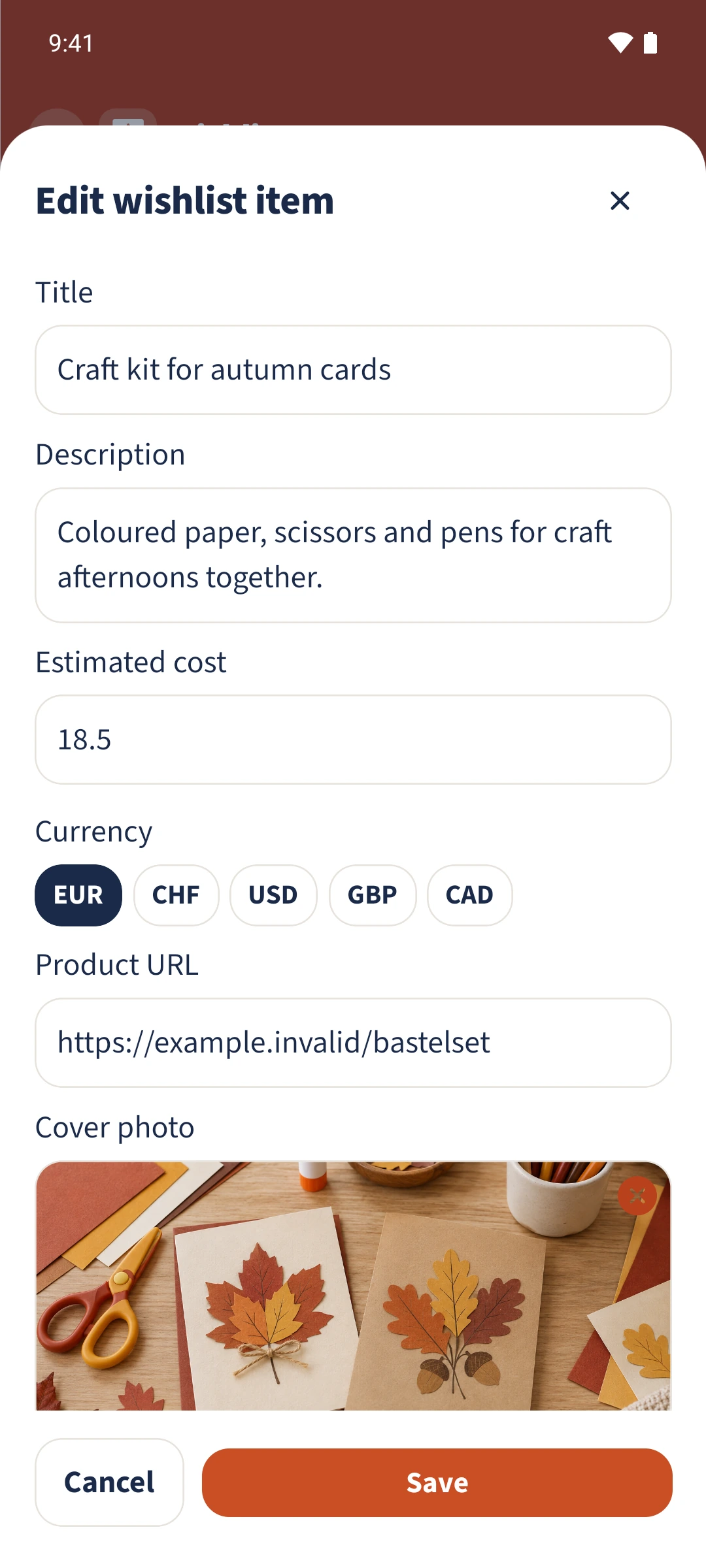
Tap the plus in Wishlist or choose Edit on an existing item. Enter the title, description, Estimated cost and Currency. Add a Product URL and use Add photo to choose your own image. Add Notes and save, then check everything in the detail view.
How the steps fit together
- 1
Describe the wish
Enter a title and description. The example is a craft kit with paper, scissors and pens for autumn cards.
- 2
Add a price and link
Enter 18.50 under Estimated cost, choose EUR and add the product address under Product URL.
- 3
Choose a picture and write a note
Tap Add photo, choose the image in the device picker and confirm the crop. Under Notes, add No glitter; paper in warm autumn colours.
- 4
Save and reopen
Save the shared wish, then reopen its card. Check the picture, description, price and note. View online opens the saved product link.