Keep family wishes together
A flask, a book or a game: keep each wish and its useful details in one shared place.
Your family plans in one place
When a birthday approaches, the family asks for ideas again because earlier suggestions have been forgotten.
 How Best4Family helps
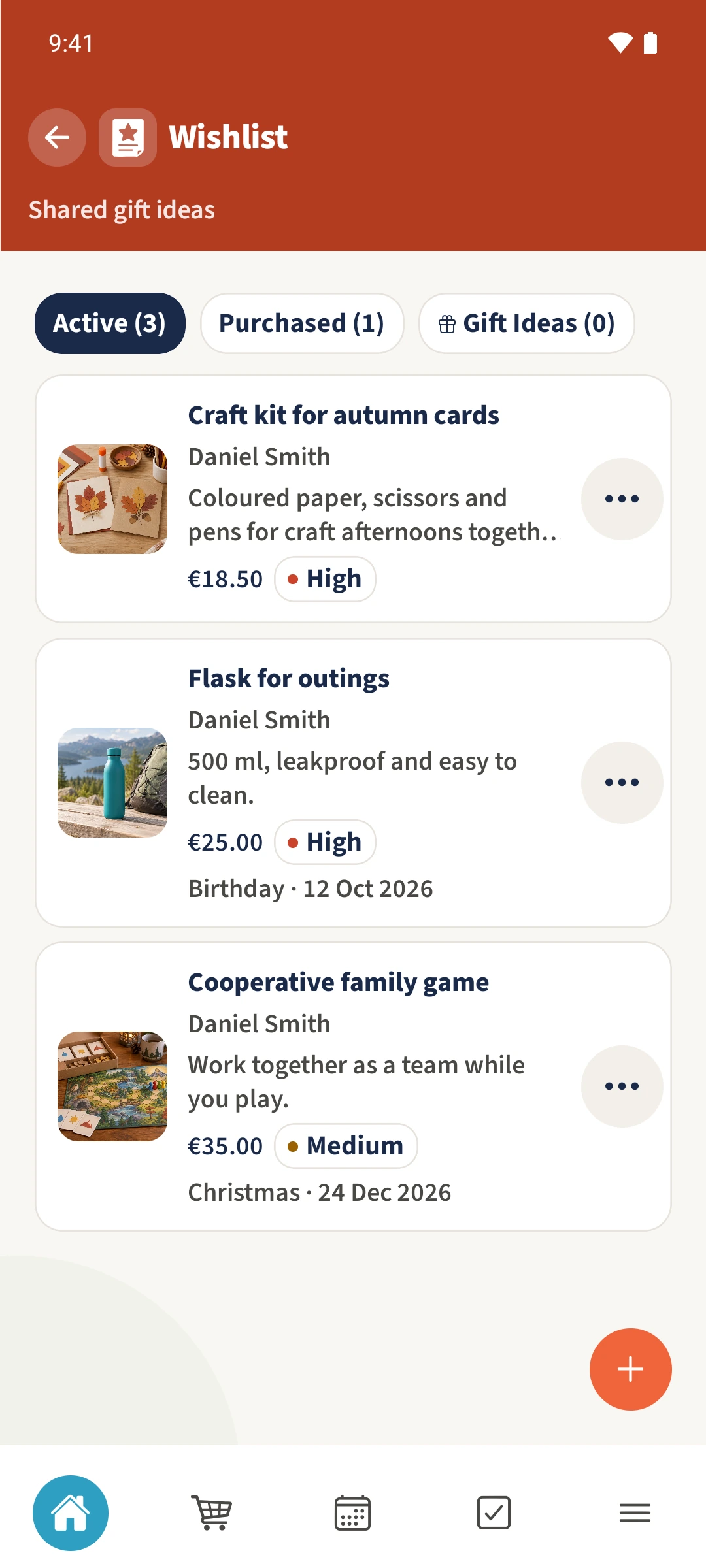
Open Wishlist from the module overview. In Active, tap the plus to add your own wish. Enter a title and description, keep Visibility set to Visible to the whole family for a shared wish, then save. The item appears with your name in the overview.
Get organised in a few steps
- 01
Open the collection
Open Wishlist. Active shows the shared wishes that are still open, together with the name of the person each belongs to.
- 02
Add your own wish
Tap the plus and enter a specific title. Describe the size, version or purpose so the family understands what you mean.
- 03
Add useful details
Add Estimated cost, Currency, Priority and Event type if useful. Keep Visible to the whole family enabled for the shared collection shown here.
- 04
Save and read it again
Tap Add, then open its card to check the description and details. Items already marked as bought appear under Purchased.