Keep your family appointments together
A school meeting, football practice and a trip to the market: see who is involved and what each appointment needs.
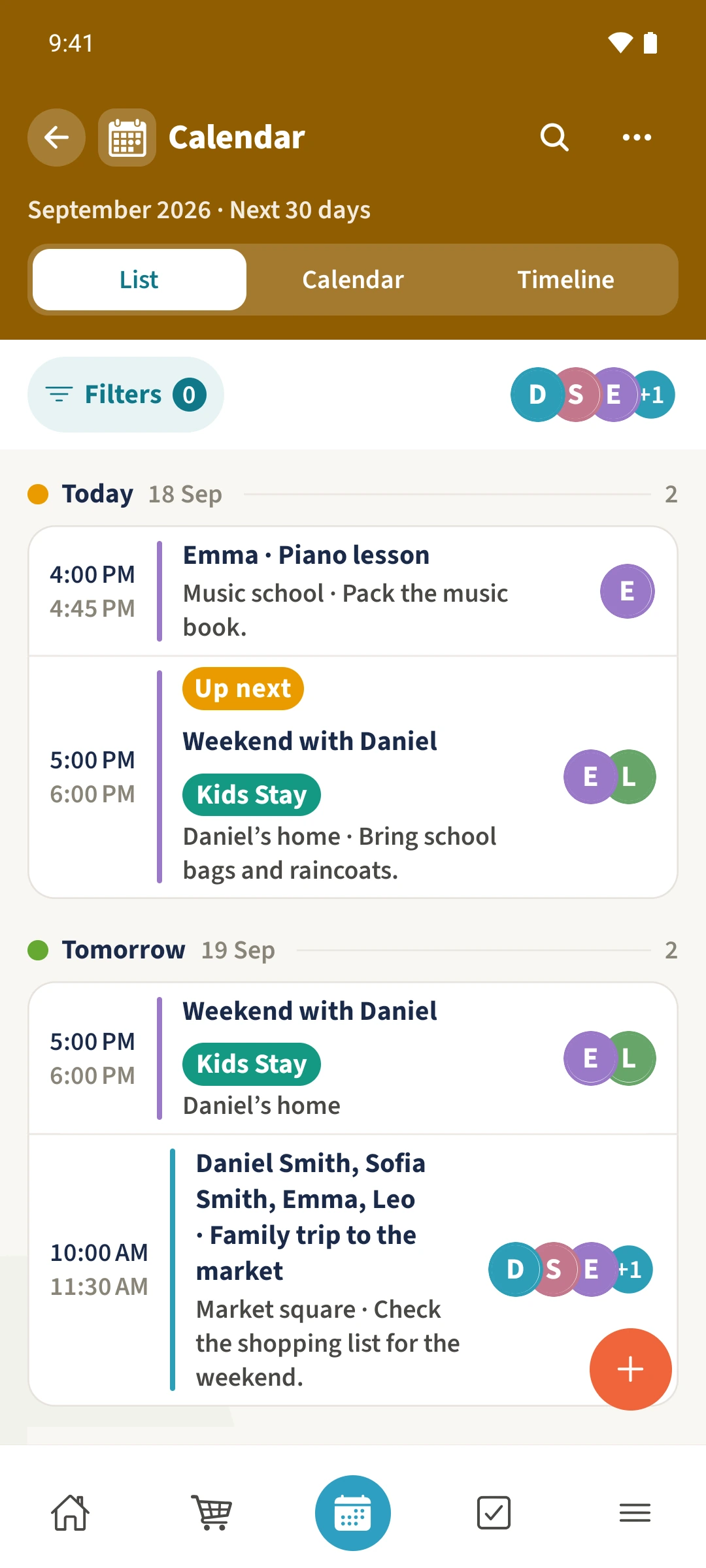
Your family plans in one place
Plans spread across messages are easy to miss. A time alone does not explain who is going or what they need to bring.
 How Best4Family helps
Use Calendar to keep appointments with their dates, times, people, locations and notes. List view puts upcoming entries in date order so you can check the next part of your family’s day.
Get organised in a few steps
- 01
Open the calendar
Tap Calendar in the bottom navigation, then choose List. Check that you have selected the right family.
- 02
Add an appointment
Tap the plus, enter a title and choose the people involved. Open the date row under When to set the date and times.
- 03
Add useful details
Enter the location and notes, such as the classroom for a meeting or the sports kit to bring. Check the information before saving.
- 04
Check the saved entry
Open the appointment in the list and check its details. If it is missing, review the active filters and displayed dates.