
Share a list with selected family members
Naming someone on a list item does not say who can read the whole list.
See the exampleFrom a daily problem to a clear plan
The starting point
Naming someone on a list item does not say who can read the whole list.
A practical next step
Daniel and Sofia are preparing a trip. Their list should be visible to the two of them.
Lists with Best4Family
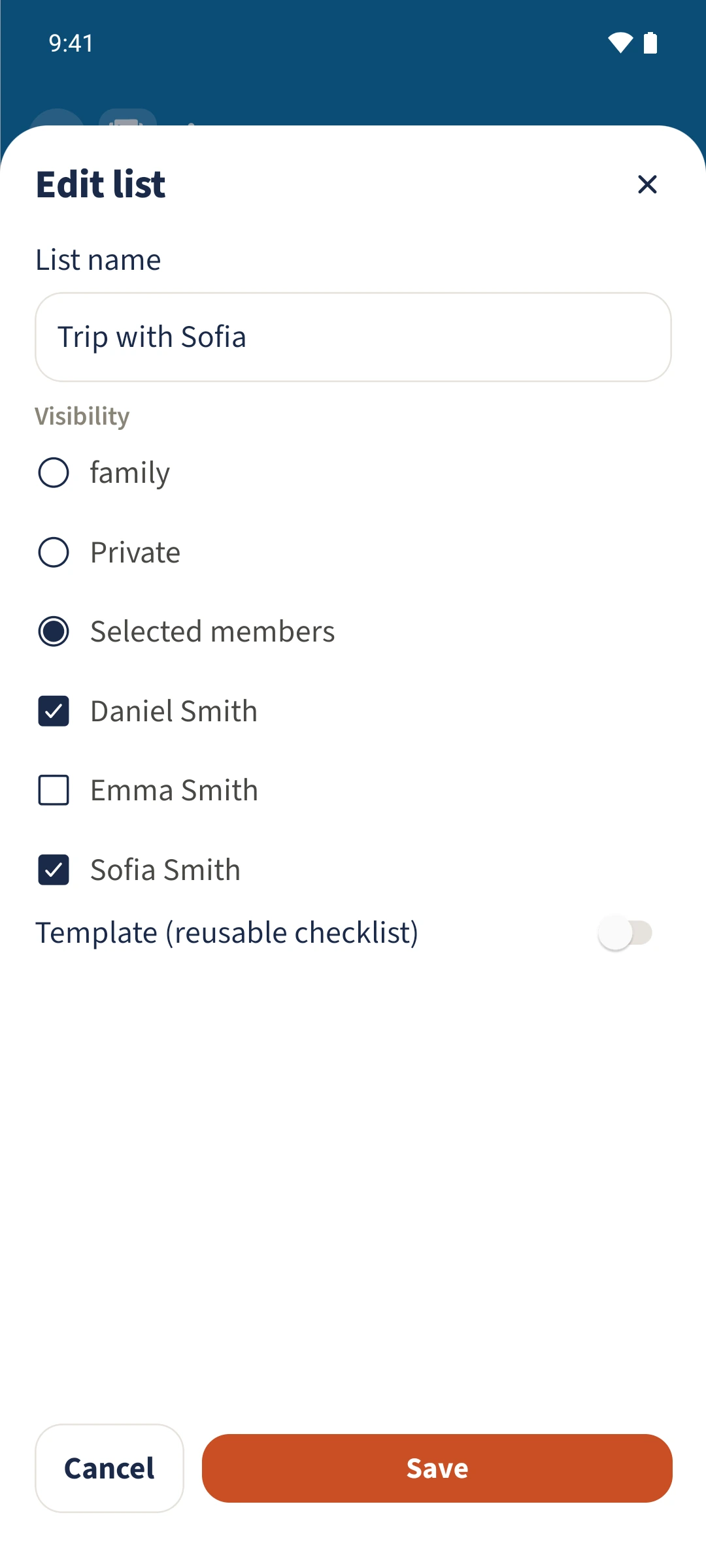
In Lists, open your list’s edit dialog. Under Visibility, choose Selected members, select the people and save. The creator stays selected. This audience applies to the list and its items.
Get organised in a few steps
- 1
Open the list
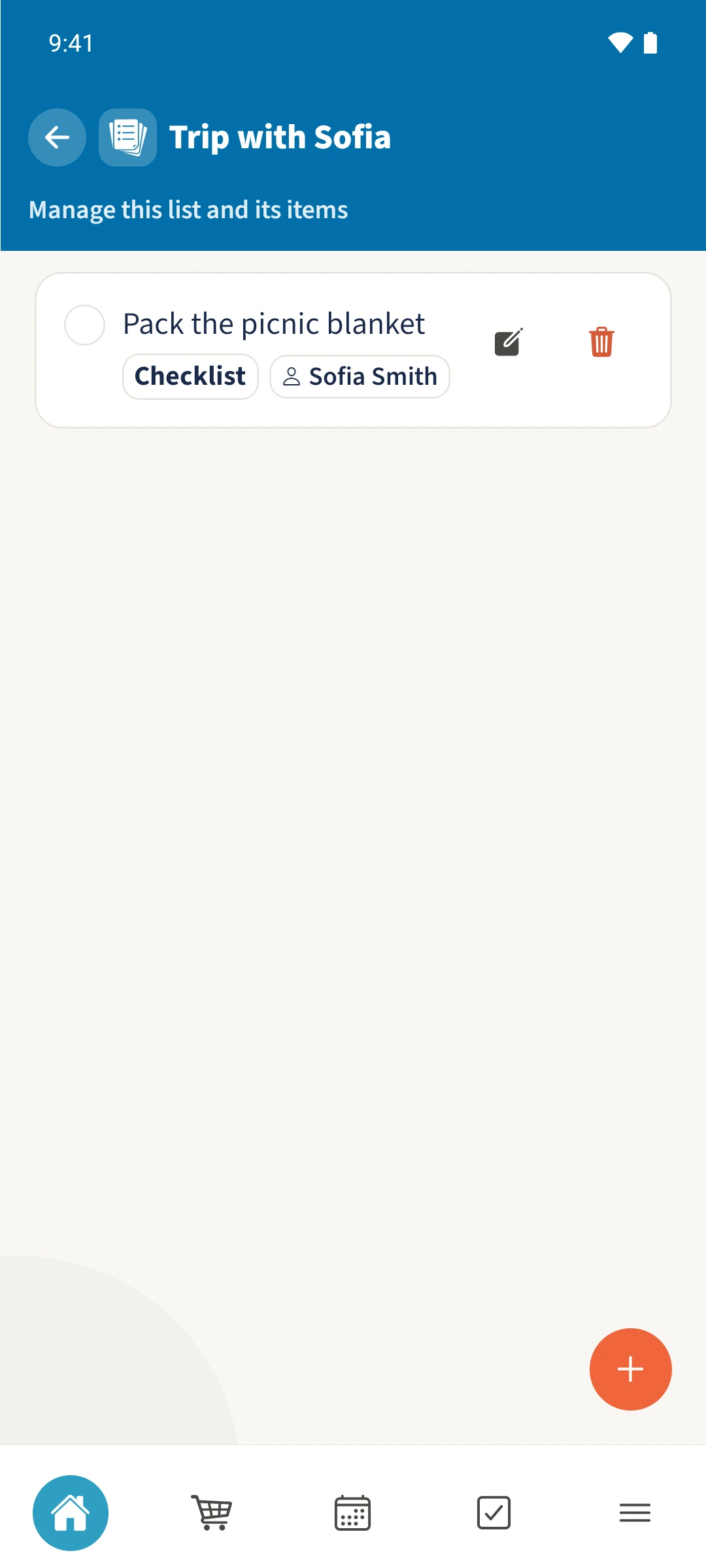
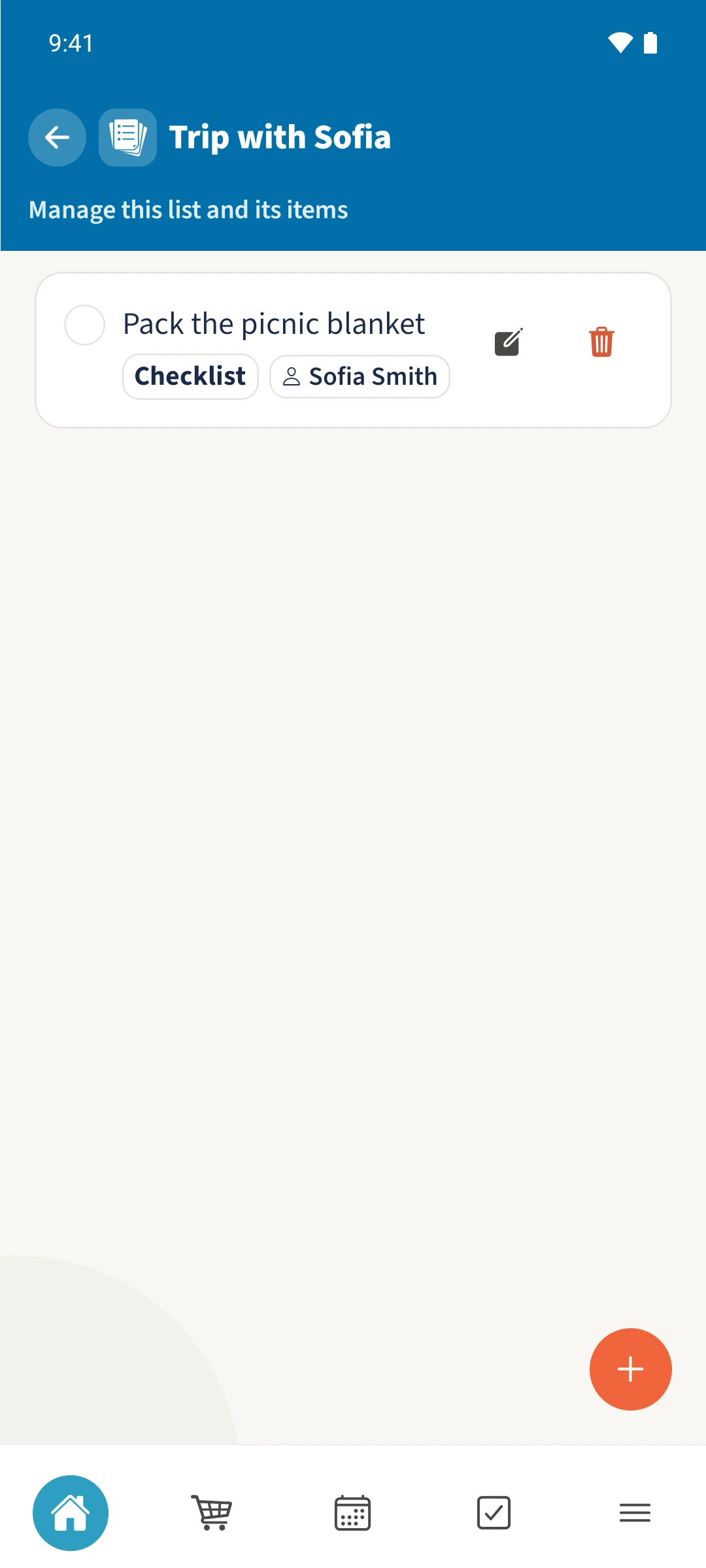
Open Trip with Sofia. Pack the picnic blanket is assigned to Sofia. Return to the list overview and tap the list’s edit icon.
- 2
Select the audience
Under Visibility, choose Selected members. Keep Sofia selected and Emma unselected. Daniel remains selected as the creator.
- 3
Save and check again
Tap Save and reopen the edit dialog. The audience remains selected. Sofia can then open the list from her own family account.
The essentials at a glance
Part 01
The list editor offers Family, Private and Selected members.
Part 02
The creator keeps access and manages the audience.
Part 03
Sofia can open the shared list and its item; Emma is outside its audience.