Keep your family’s favourite restaurants together
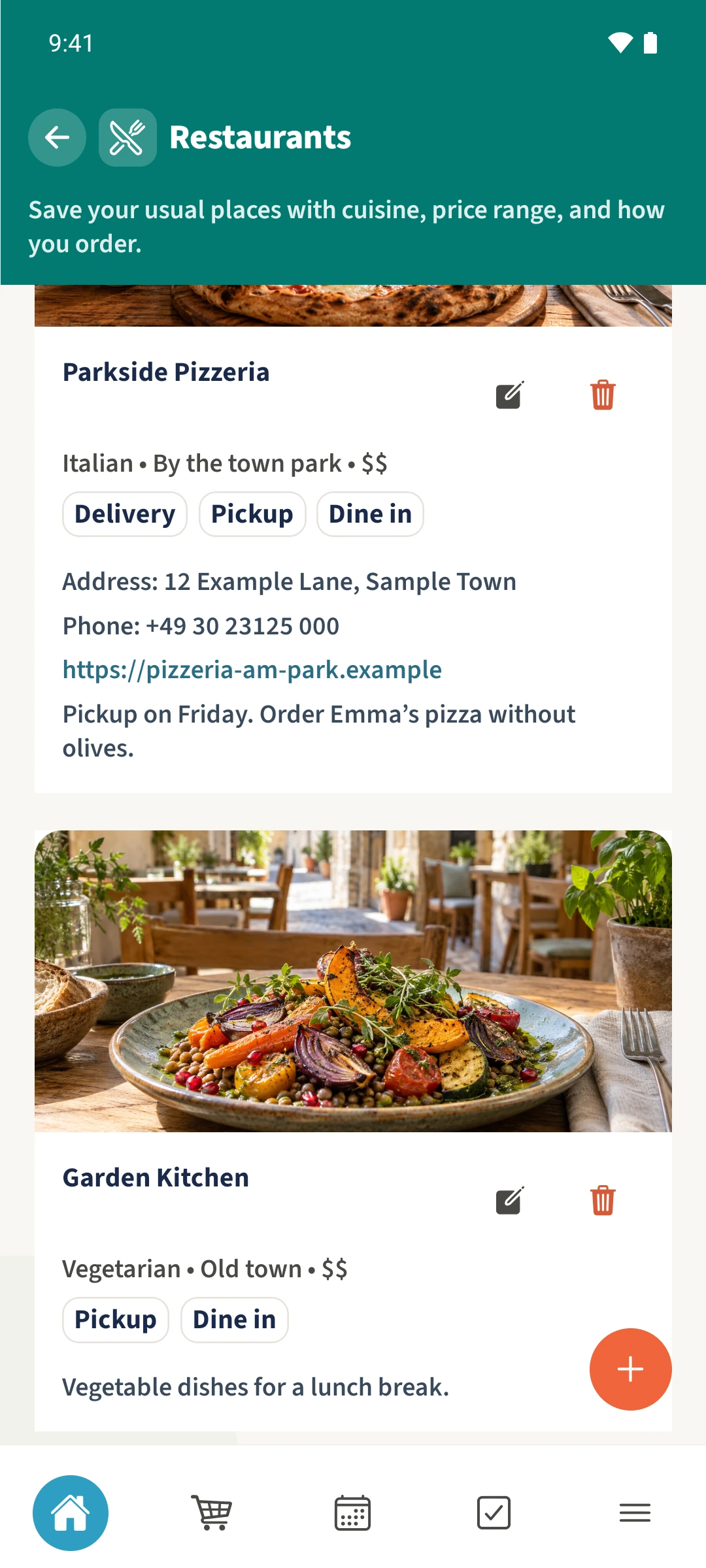
Keep Friday’s pizzeria and the place you like for lunch close at hand in one family collection.
Your family plans in one place
You remember enjoying a restaurant, but its name, address and ordering options are scattered across messages.
 How Best4Family helps
Open More → Restaurants. Tap the plus and enter the restaurant’s name and the details you know. Choose its service options and add a family note. Tap Save to add it to the shared restaurant list.
Get organised in a few steps
- 01
Open the restaurant list
Open More and then Restaurants. Check the selected family and whether the place is already saved. Scroll to see the rest of the list.
- 02
Add a restaurant
Tap the plus at the bottom right and enter a clear name. Select a suggested cuisine or enter your own, then add the location.
- 03
Add useful details
Scroll to Price range, contact details and Available for. Select the services you want to record. A photo is optional. Add a note about a favourite dish or your usual pickup arrangements.
- 04
Save and check it
Tap Save at the top. The restaurant appears in the shared list. Use its pencil icon to update the details later. The restaurant list remains a standard family section.