
Use the same family decision wheel again
Recurring everyday choices do not need a new collection of suggestions every time.
See the exampleFrom a daily problem to a clear plan
The starting point
Recurring everyday choices do not need a new collection of suggestions every time.
A practical next step
Collect suitable options once and reopen the wheel when the next small decision comes along.
Decision wheel with Best4Family
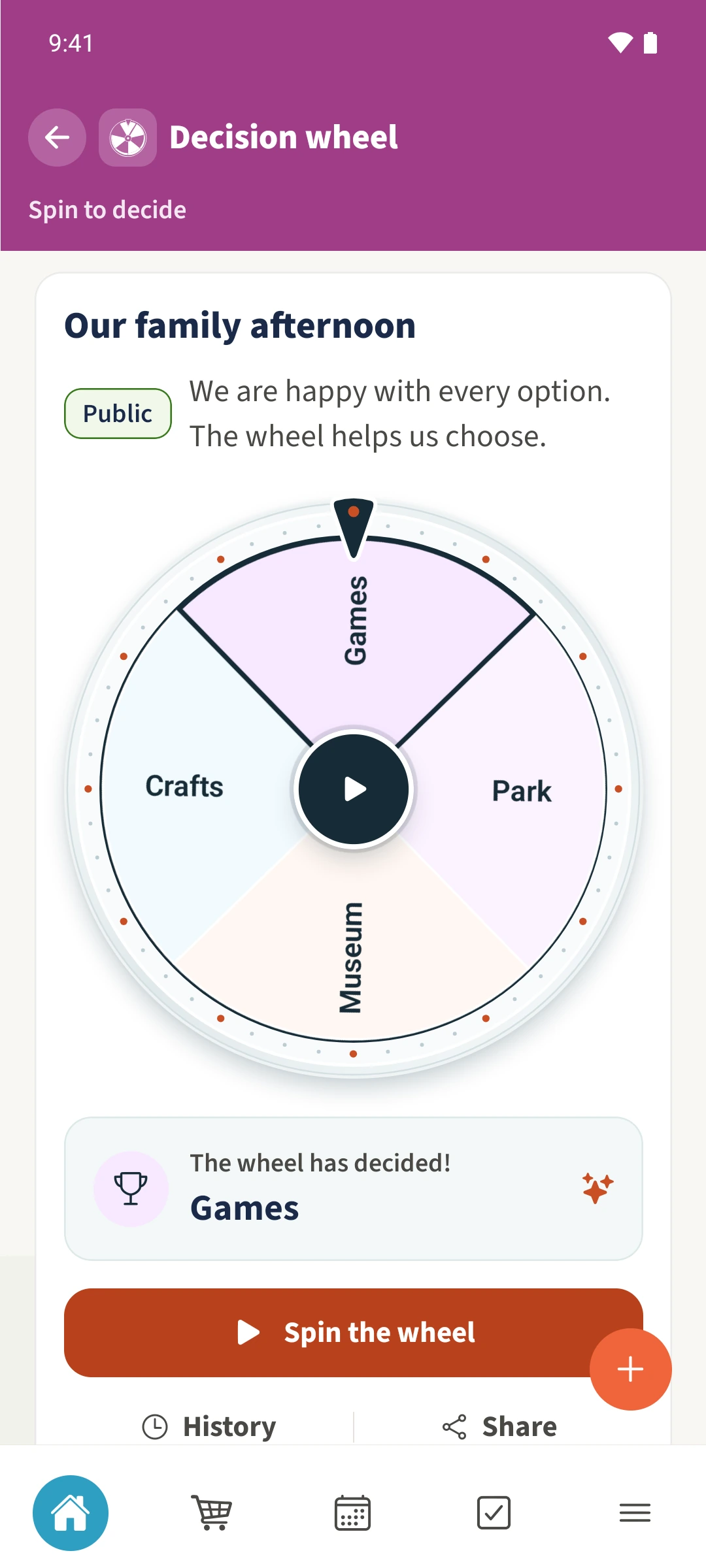
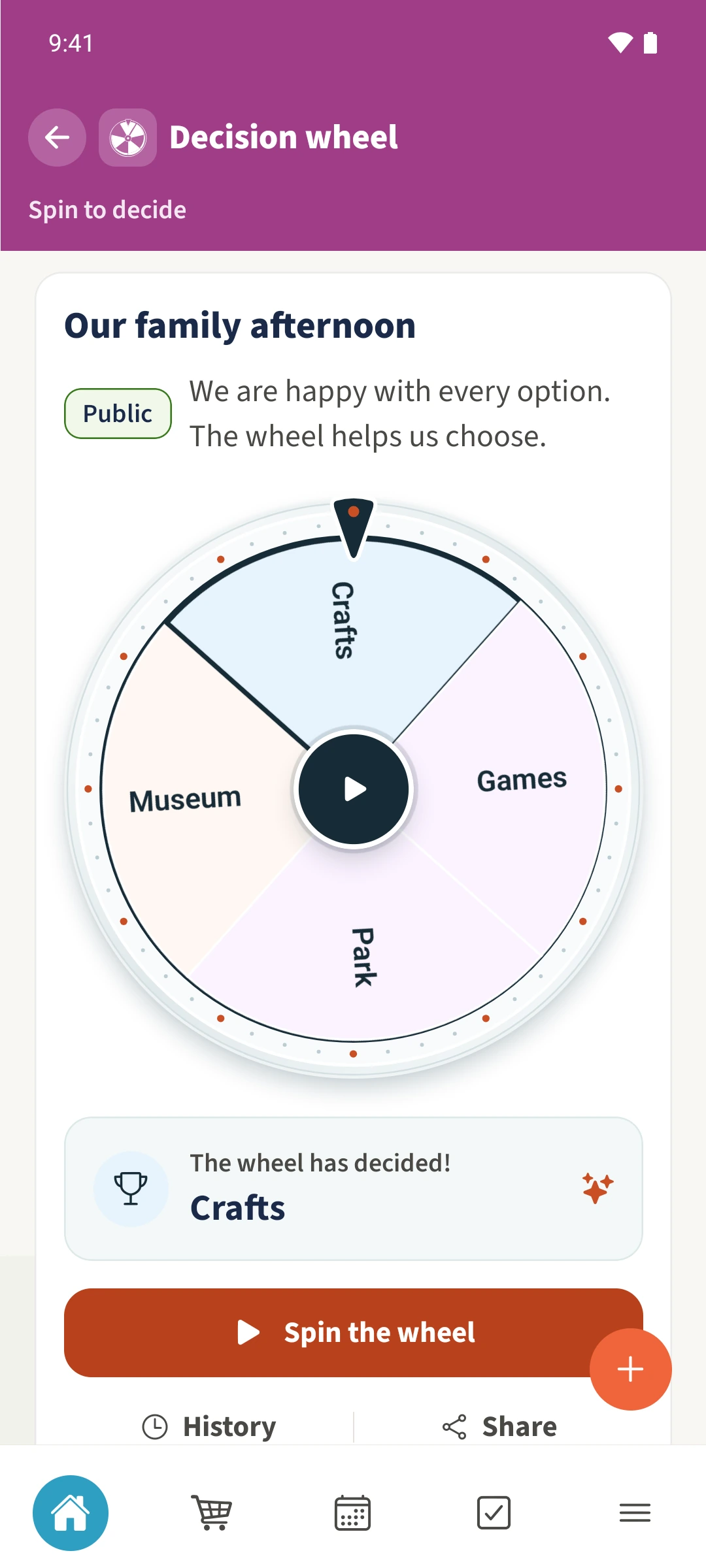
Select the saved family wheel and tap Spin the wheel. Wait for the animation to finish. The chosen option appears below the wheel and is saved in History. You or another family member can reopen the same shared wheel and spin it again.
Get organised in a few steps
- 1
Open the right wheel
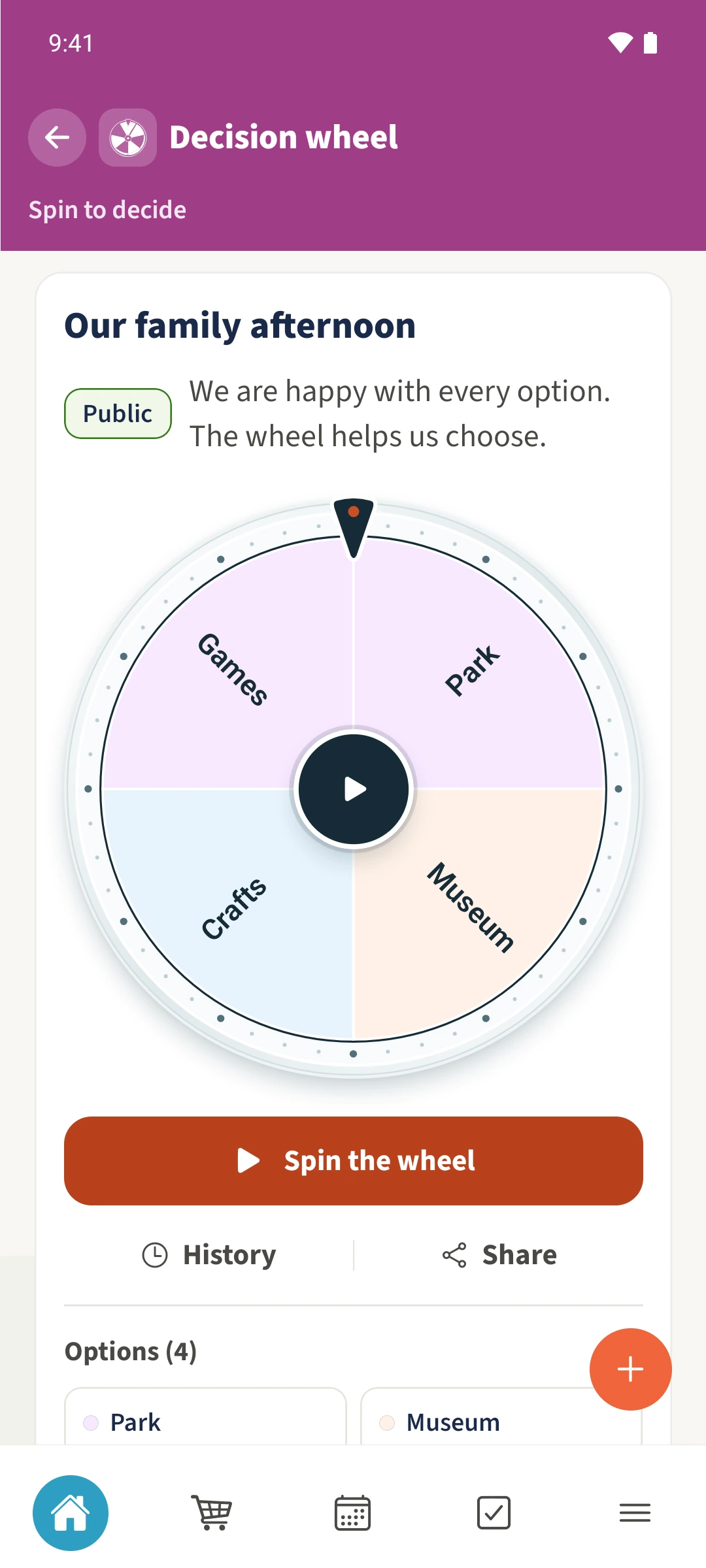
Choose Our family afternoon. Check that Park, Museum, Crafts and Games still suit everyone.
- 2
Wait for one spin to finish
Tap Spin the wheel. You cannot start again while the animation is running. Read the selected option after the wheel stops.
- 3
Reuse it later
Reopen the same shared wheel and spin again. The example shows Daniel and Sofia using the same wheel. Earlier saved spins remain in History.
The essentials at a glance
Part 01
A saved wheel can be spun repeatedly.
Part 02
The selected option appears after the spin.
Part 03
A saved spin records its result, the person who spun and the time.