
Decision wheel in detailDraft · publication pending
Look back at decision wheel results
History keeps track of which option was selected on an earlier spin.
The main features at a glance
- 1
- History belongs to the selected wheel.
- 2
- Saved spins show the person, result and time.
- 3
- The Android view loads up to twenty of the latest results.
Why it helps
Using Decision wheel in family life
After several spins, you may forget which suggestion appeared before or who spun the wheel.
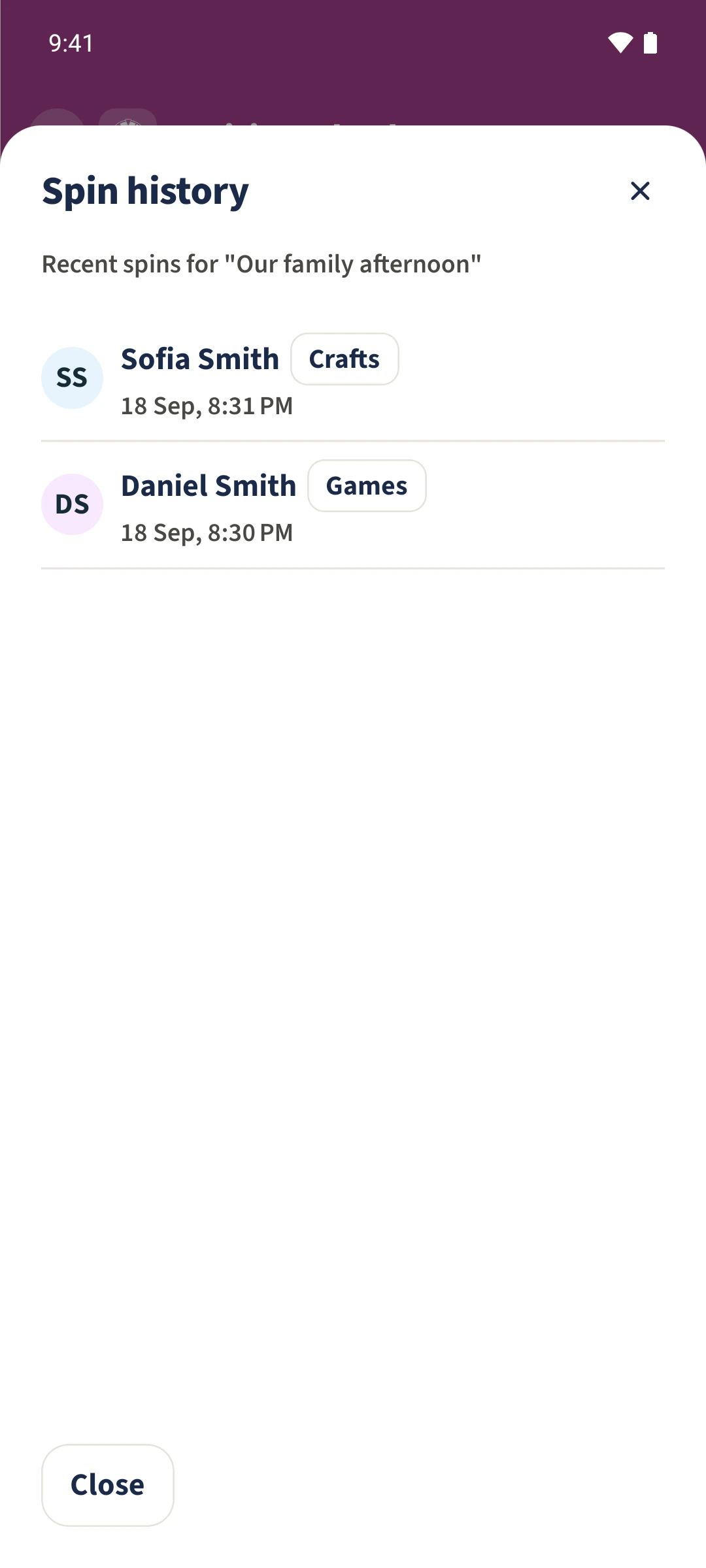
Open the wheel and tap History below it. Spin history lists the newest results first. Each row shows the person, selected option, date and time. Tap Close to return to the wheel.
From a task to a shared view
How the steps fit together
- 1
Open the wheel and its history
Choose Our family afternoon, then tap History below Spin the wheel.
- 2
Compare the saved entries
Read the newest entry at the top. The example has spins by Daniel and Sofia. Compare each selected option and timestamp; both entries belong to the same wheel.
- 3
Return to the wheel
Tap Close. Another completed and saved spin adds an entry rather than replacing the earlier ones.