External calendars alongside family events: feature preview
Work and family appointments may live in different calendars. Bringing them together also requires control over who can see them.
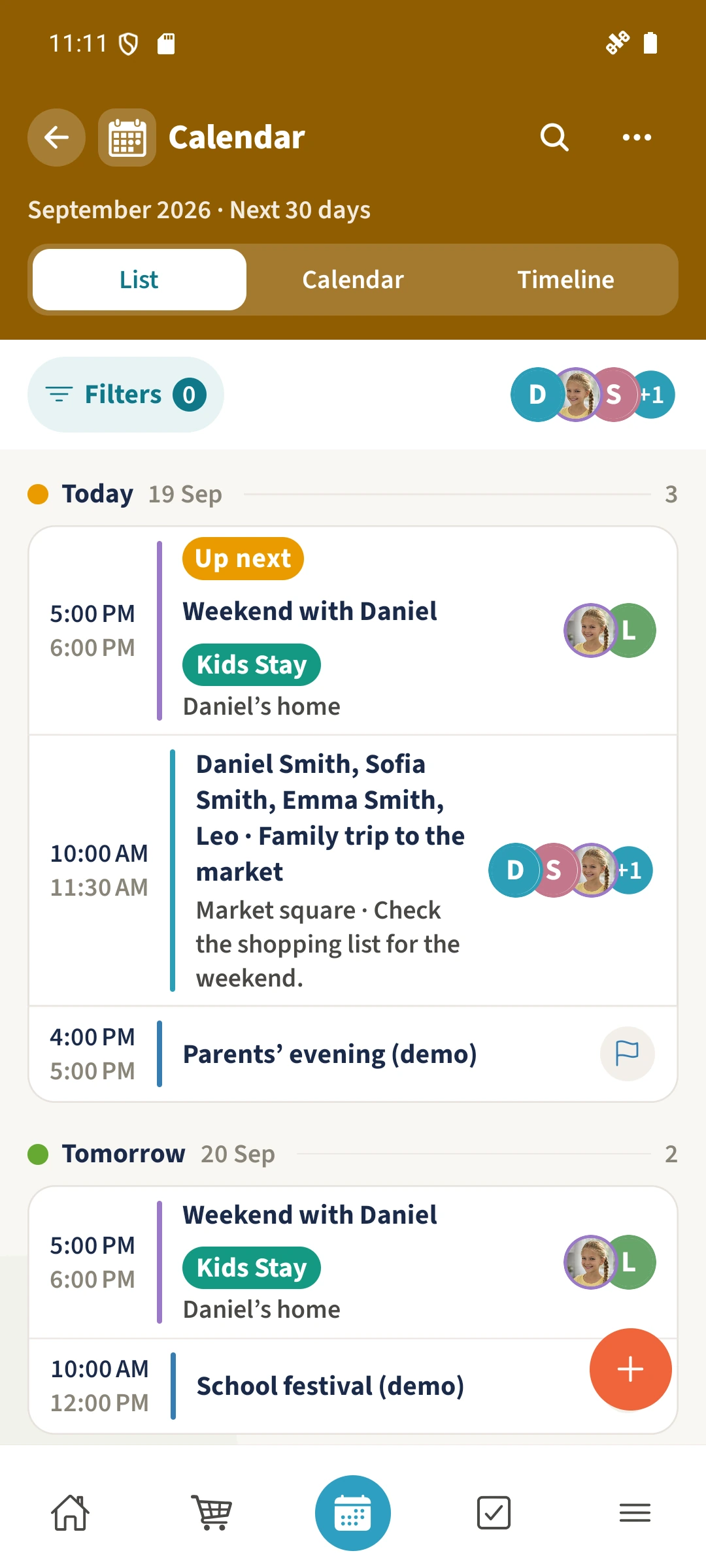
Your family plans in one place
A work appointment in Google or Microsoft may affect family plans, but copying it manually can lose its source or expose private details.
 How Best4Family helps
The implemented Calendar Sync interface can display external events with their source and visibility. Public availability and real provider connections still need confirmation. The prepared screenshots illustrate the interface, not a successful connection.
Get organised in a few steps
- 01
Check availability first
Do not assume a connection is available because this preview exists. Check the Calendar connections area in your own account.
- 02
Consider provider permissions
Once a provider is available, review the selected account, calendars and visibility before authorising it. This preview does not confirm an OAuth flow.
- 03
Check the displayed source
An external event should retain its calendar source and visibility. A copied event with the same title does not prove synchronisation.