
Duplicate external events: limits of calendar merging
The same appointment can appear through an original calendar and a second copy. Matching titles alone do not make them identical.
Before you start
Two calendars contain events with the same title and time. Showing both can make one appointment look like two separate commitments.
Identify the original source
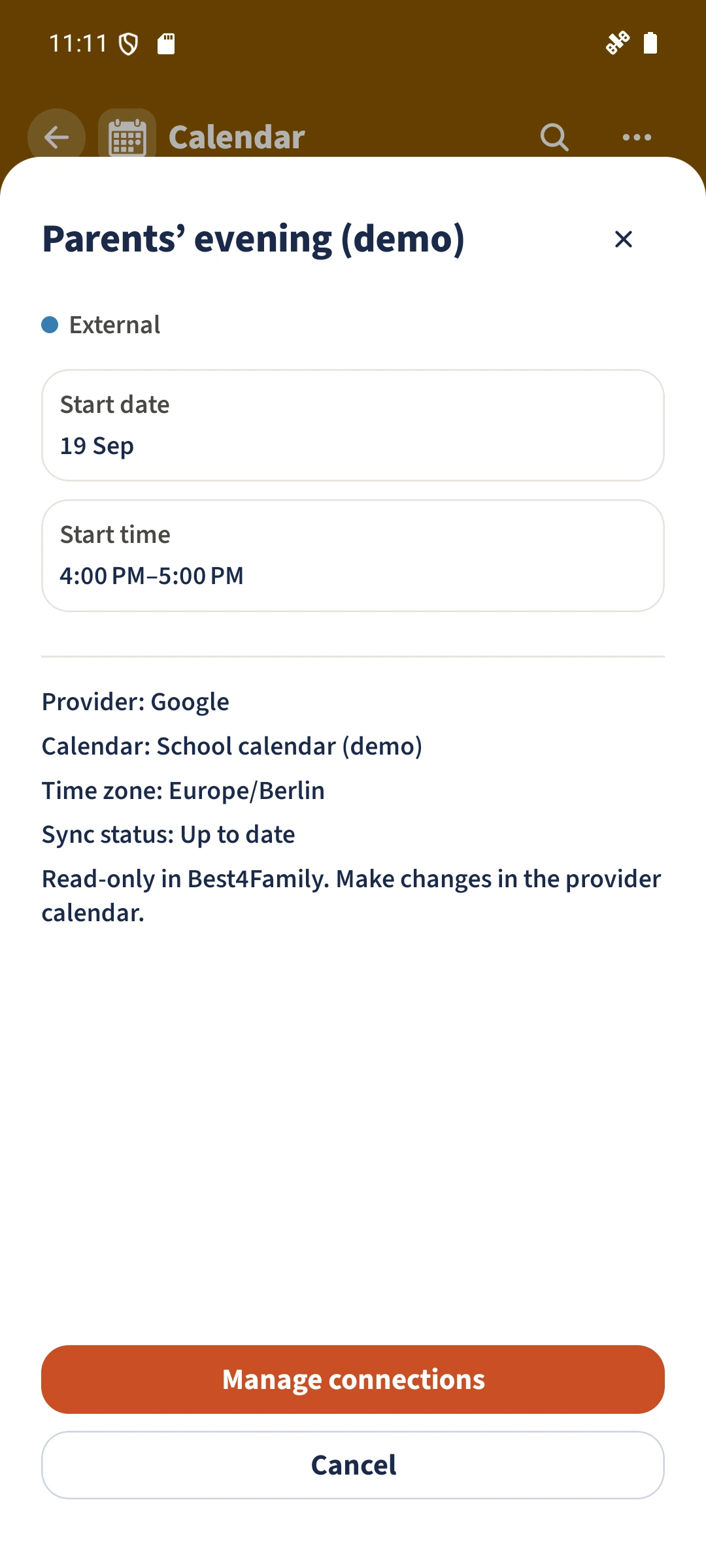
Check which calendar originally owns the appointment and whether another calendar merely contains a copy.
Avoid importing the original and its copy
When connections become available, select the original source where possible. Identical names and times do not guarantee matching event identities.
Distinguish filtering from deletion
A source filter hides events in the view. It does not delete original appointments at the provider.
Intended result
Calendar Sync uses source and event identities to reconcile repeated imports from the same source. That does not guarantee deduplication across providers or copied calendars. The prepared example illustrates a source label; cross-provider merging has not been verified.