Collect ideas for your family trip
A lakeside walk, a rainy-day museum visit or a boat trip: keep the suggestions with the trip they belong to.
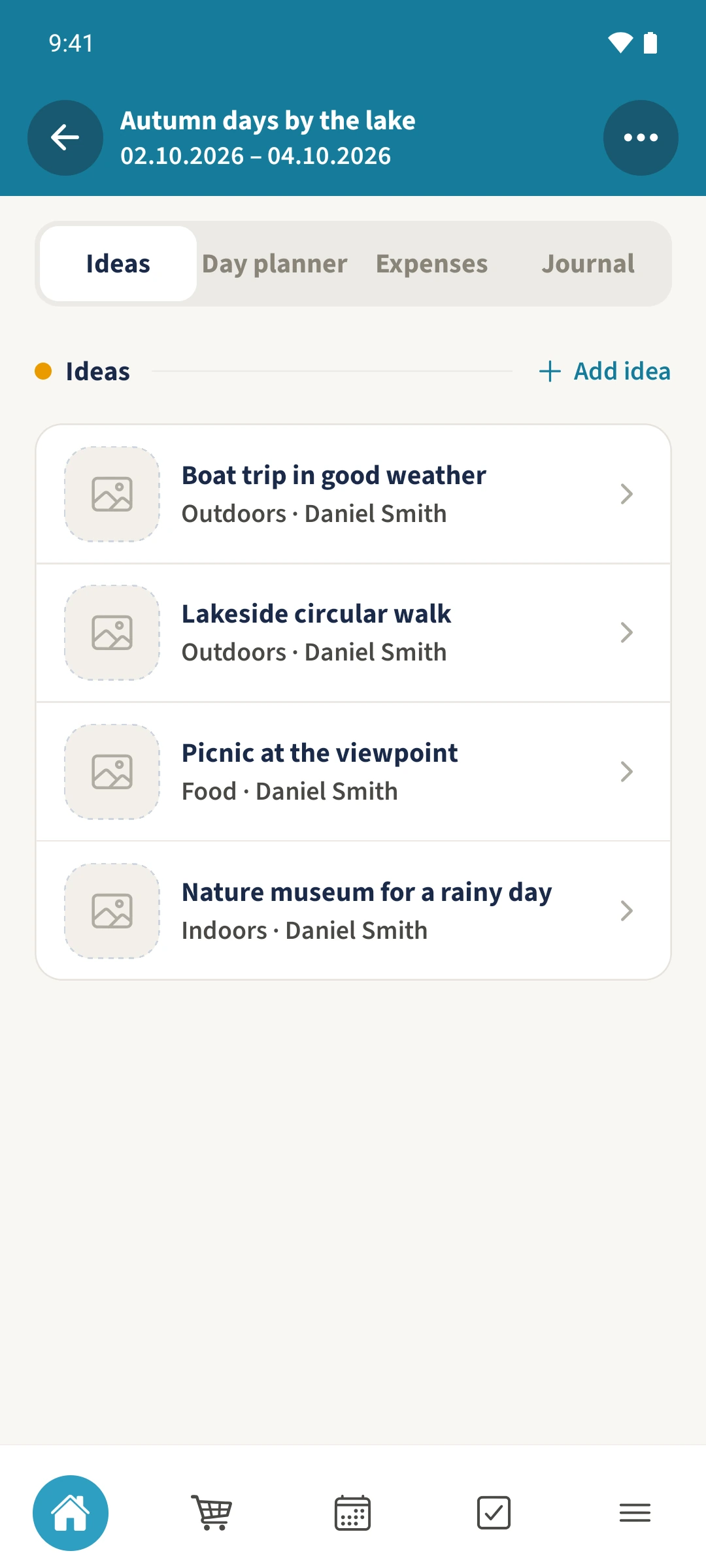
Your family plans in one place
Good suggestions disappear between messages. Later it is hard to remember the details or which ideas you already discussed.
 How Best4Family helps
Open Trip planning from the module overview and choose your trip. Under Ideas, tap Add idea for a new suggestion, or open a saved idea and tap its edit pencil. Check the title and description, add Tags and choose a Status, then tap Save idea.
Get organised in a few steps
- 01
Open the trip
Choose an existing trip in Trip planning. If you are starting from scratch, first create a trip with a title and participants. Scroll to the tabs and choose Ideas.
- 02
Open or add the suggestion
Open the saved boat trip idea and tap its edit pencil. To add a new suggestion, use Add idea instead. The example notes that the family should check the weather and decide whether everyone wants to go.
- 03
Add tags and a status
Open Tags, enter Outdoors, Maybe and confirm with Done. Open Status, choose Proposed and confirm that selection.
- 04
Save and find it again
Leave Participants Only selected for this shared example and tap Save idea. Open the saved suggestion again to review its details and planning status.