
Keep shared parenting agreements easy to find
Keep the handover arrangements and the children’s school bags in one clear agreement.
Before you start
Repeated arrangements are easy to interpret differently when the important points are scattered across old messages.
Start an agreement
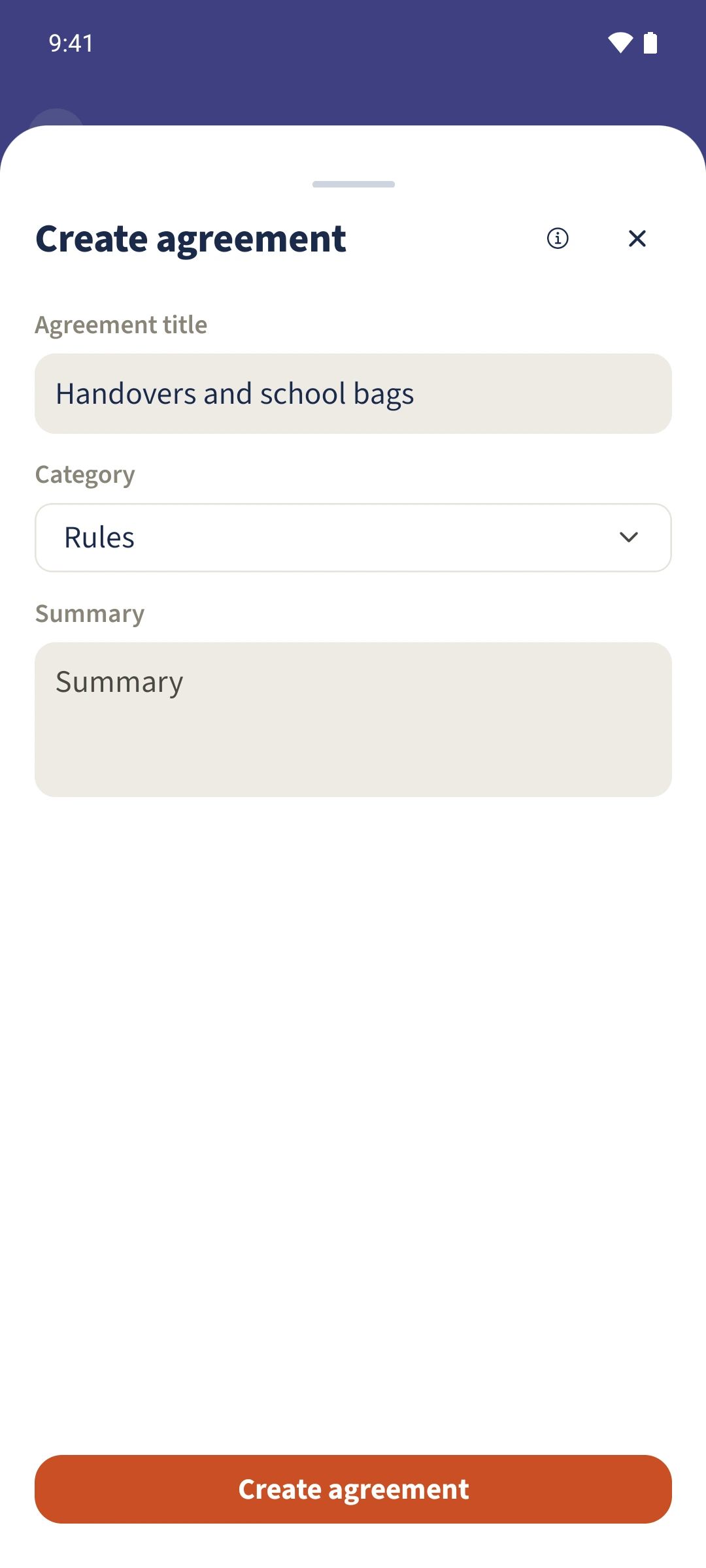
Open Agreements in the shared Parent Space and create an agreement with a clear title, such as Handovers and school bags.
Choose a category
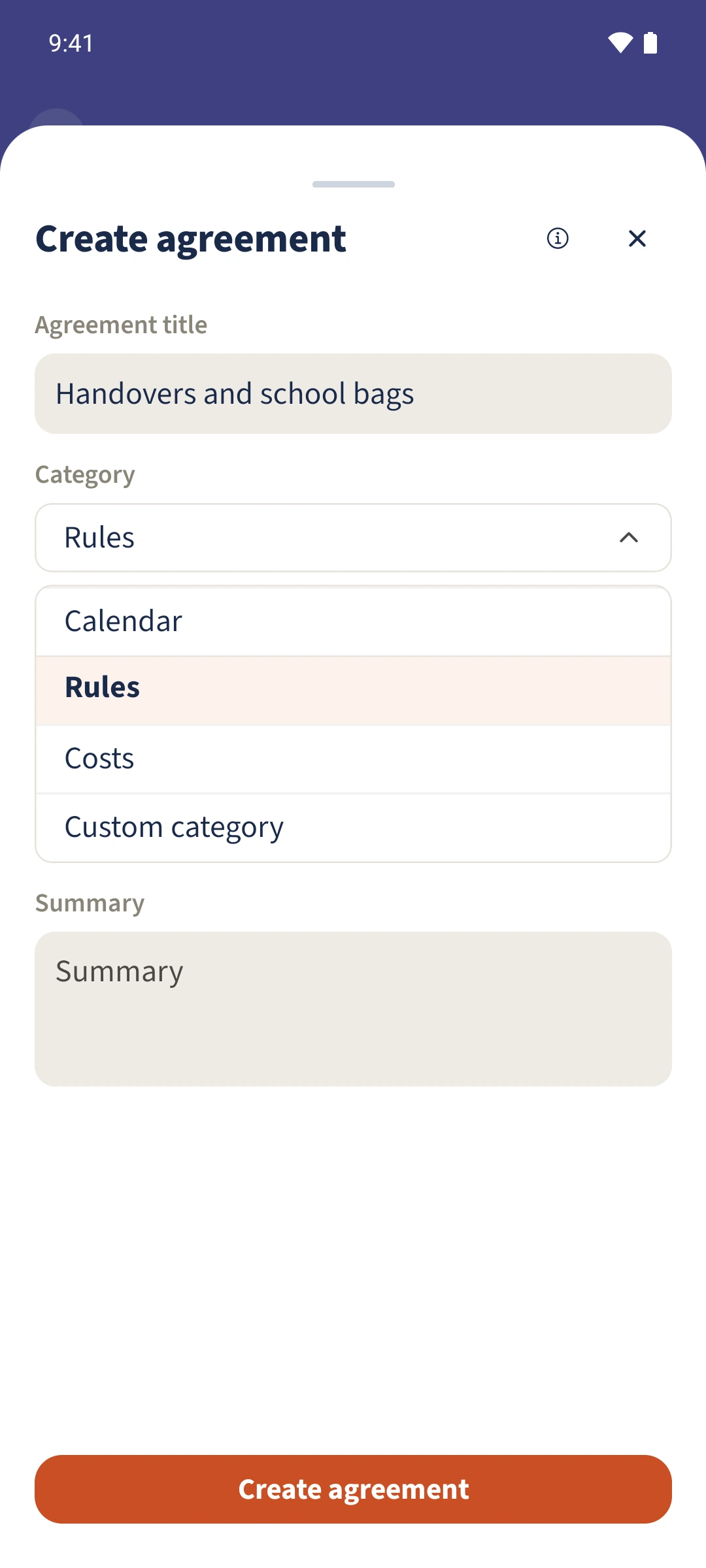
Select the relevant category. Calendar fits the handover example; other available choices include rules, costs and a custom category.
Write the summary
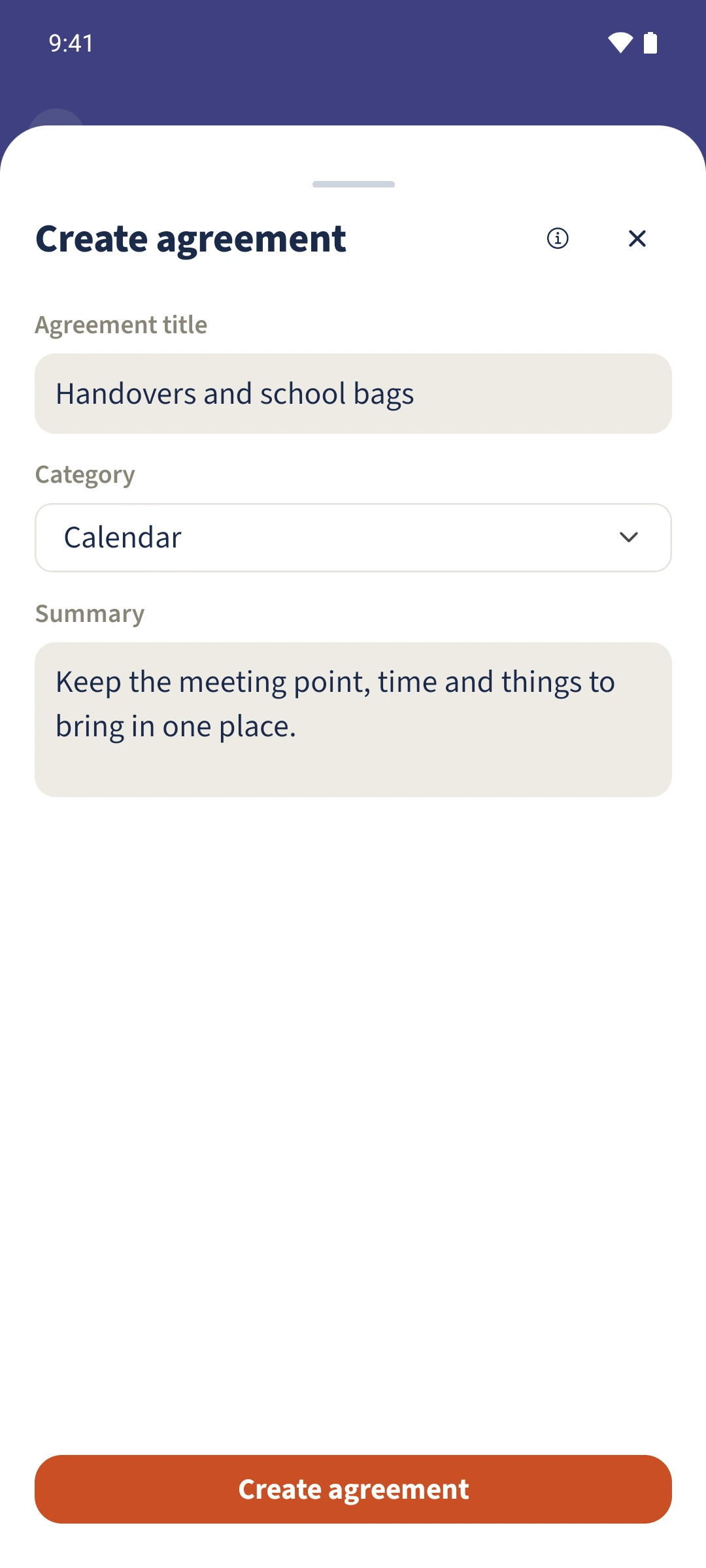
Explain the meeting point, time and things to bring. Review the form before saving. The form screenshots show an unsaved draft.
Check the accepted agreement
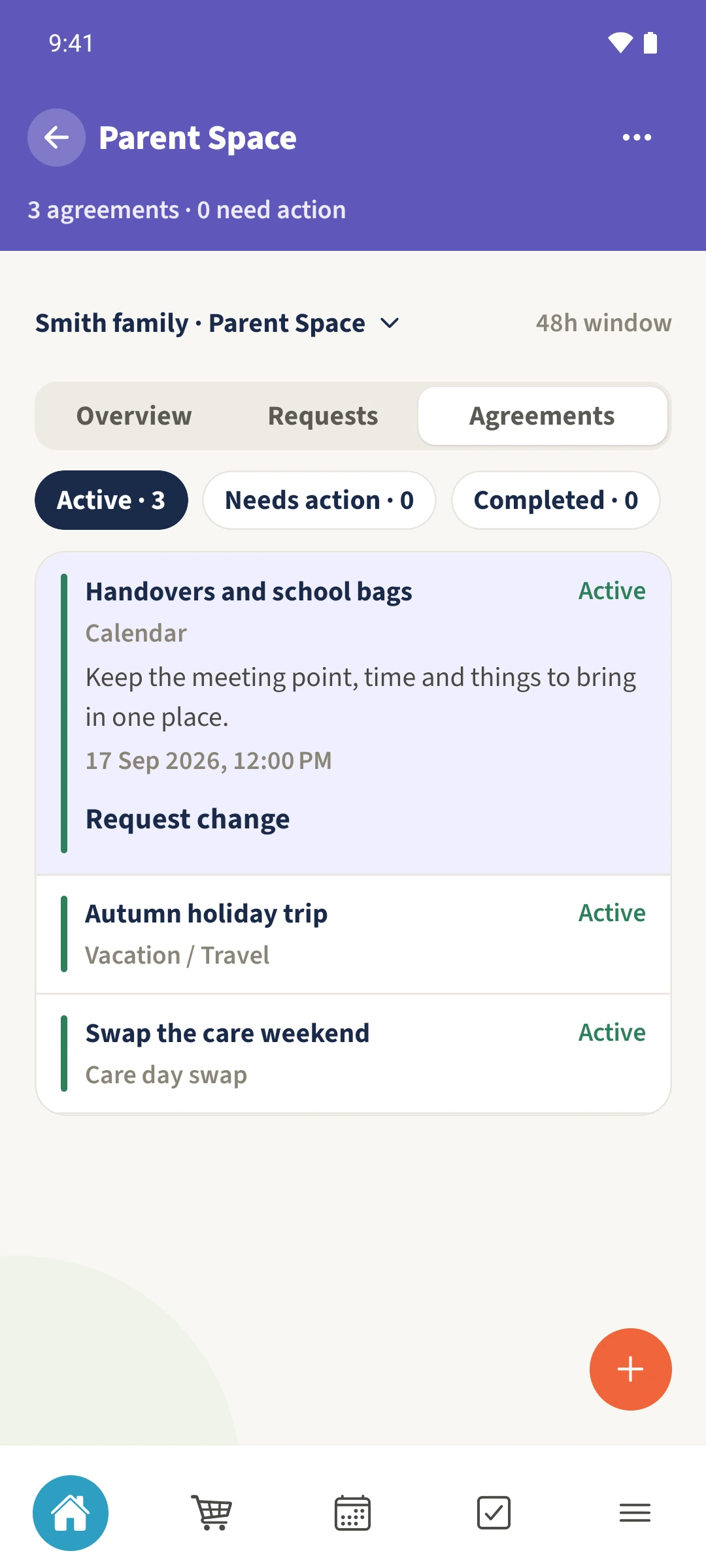
Open Active and expand Handovers and school bags. Accepted agreements are labelled Active here. A new proposal first appears under Needs action for the other parent to accept.
All done
Use Agreements in Parent Space to record a clear title, category and summary. Check the agreement’s status before relying on it as a shared arrangement.